Since getting my NAS, I tried my best to stick with TOS. I wanted that “plug and play” experience – a dedicated NAS OS where I could manage everything through a slick web interface. But as the months passed, my initial satisfaction turned into growing frustration.
What happened?
The reality of “just click and go” quickly faded. For example, having to reinstall the entire OS just because the boot/root partition was too small (a common issue with Terramaster’s provisioning) was a far cry from a seamless experience. Then came the release of TOS v6 (?), which became the final straw for several reasons.
During my ownership, I did a lot of research into alternatives like Synology OS “forks” or Unraid. However, I hesitated; I was worried about things like unreliable fan controls – a total dealbreaker for me. My logic was: as long as TOS works, it stays. But after following several heated threads on the Terramaster forums and experiencing a few more “OS-related headaches,” I decided it was time to move on from TOS and find a permanent home for my beloved F2-221.
Ready, set… stop?
Armed with information from the community, I uncovered the HDMI port, checked the BIOS version, and swapped the internal USB stick for a recent image of TrueNAS – which seemed like the smartest path at the time. However, the honeymoon phase was short-lived; the installer wouldn’t allow it to reside on the boot medium (or something similar).
Frustration peaking, I finally made the choice I had been considering for months: Debian 13.
Going Vanilla!
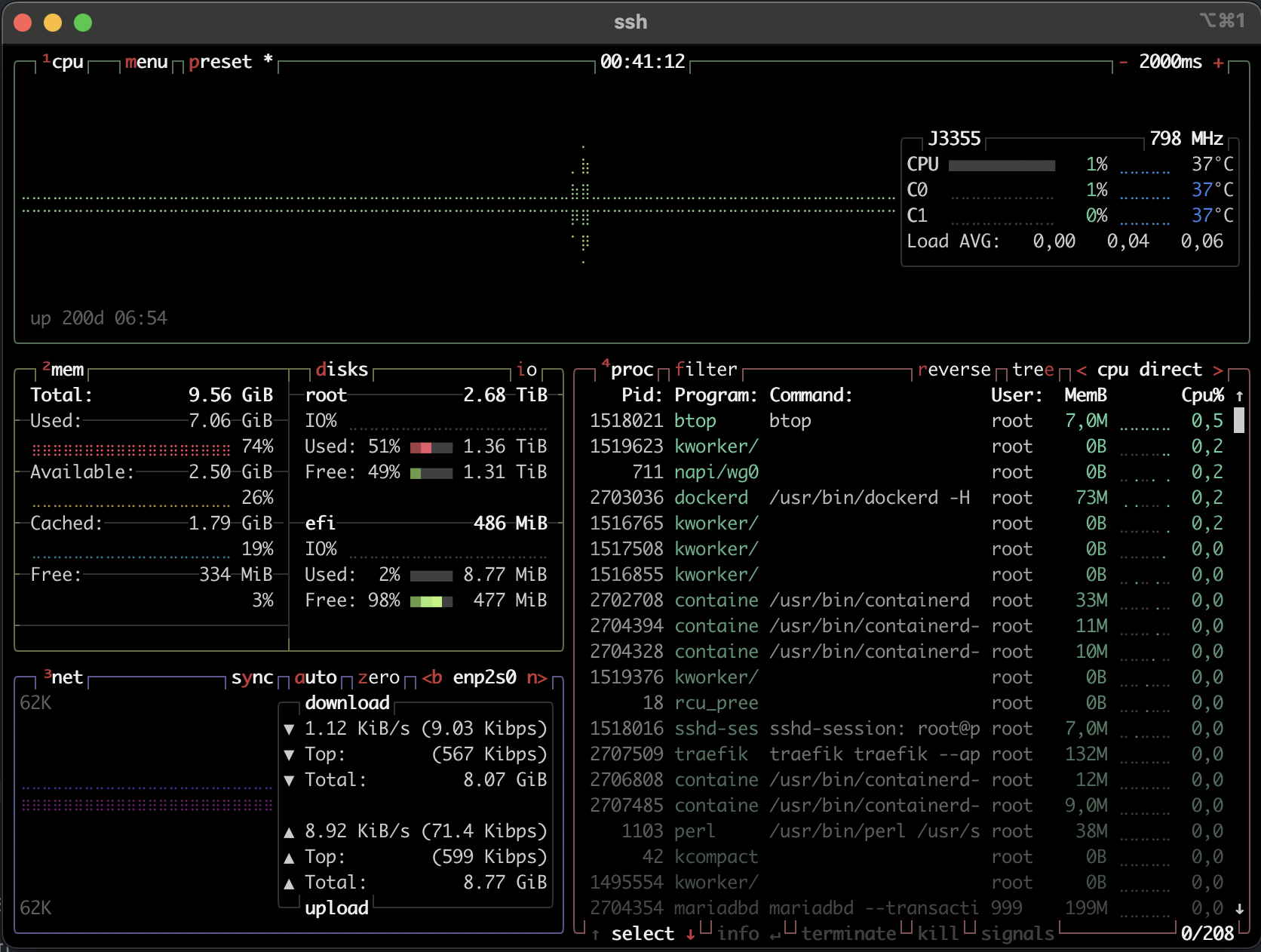
To be honest? It’s the best decision I could have made for this hardware. Everything runs smoothly. No sketchy binaries running in the background, no obfuscated scripts – just a clean, powerful Debian environment with full access to apt and total control over the system. Bonus points: the system fan still runs perfectly!
With Samba, Docker, and Wireguard, there are no limitations, just solid reliability. It is now a “set it and forget it” solution. If you’re considering this route, I can’t recommend it enough. After one maintenance reboot, the NAS has been running 24/7 flawlessly. Honestly, if I didn’t hear the fans spinning from across the room every now and then, I’d have forgotten it was even physically there.